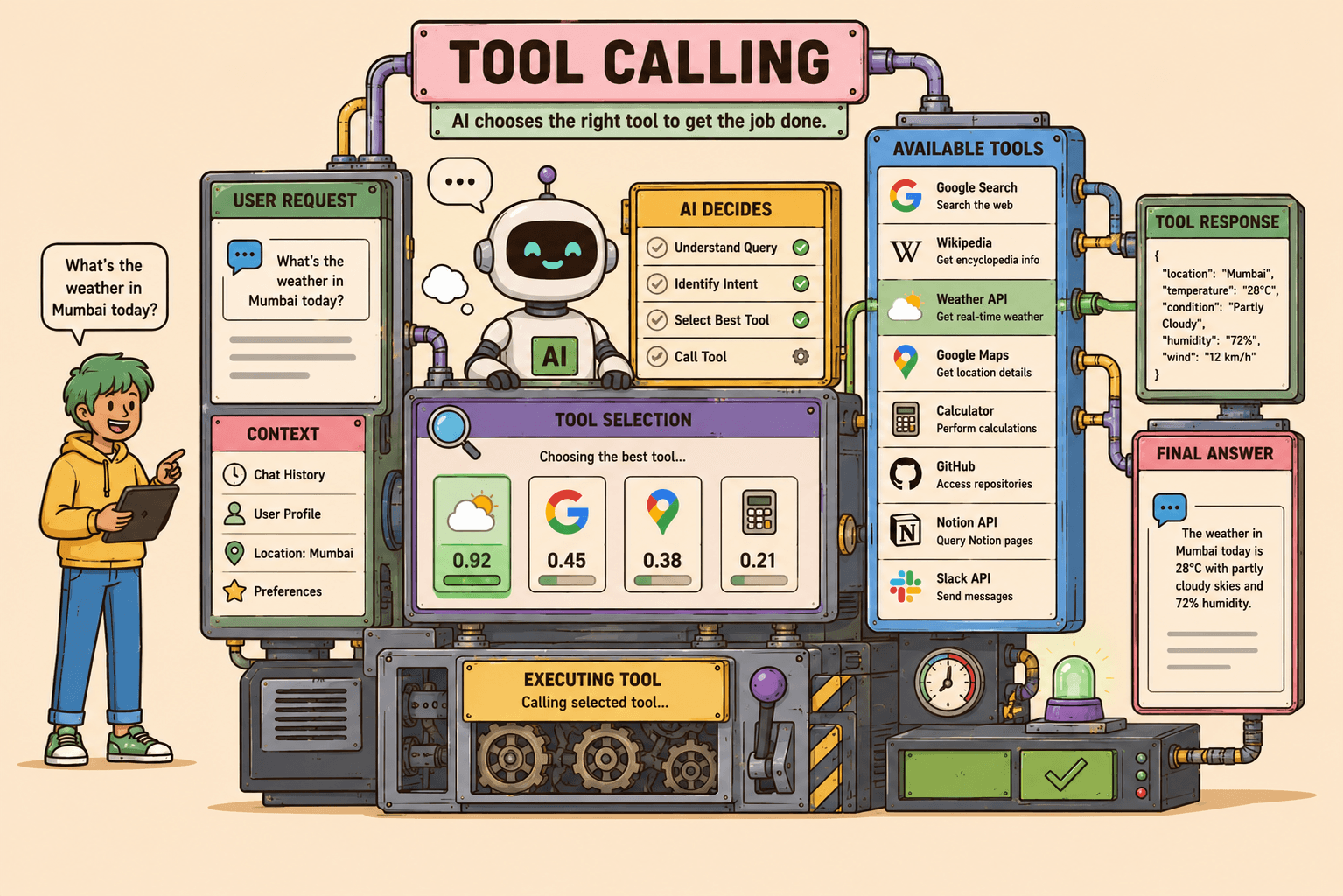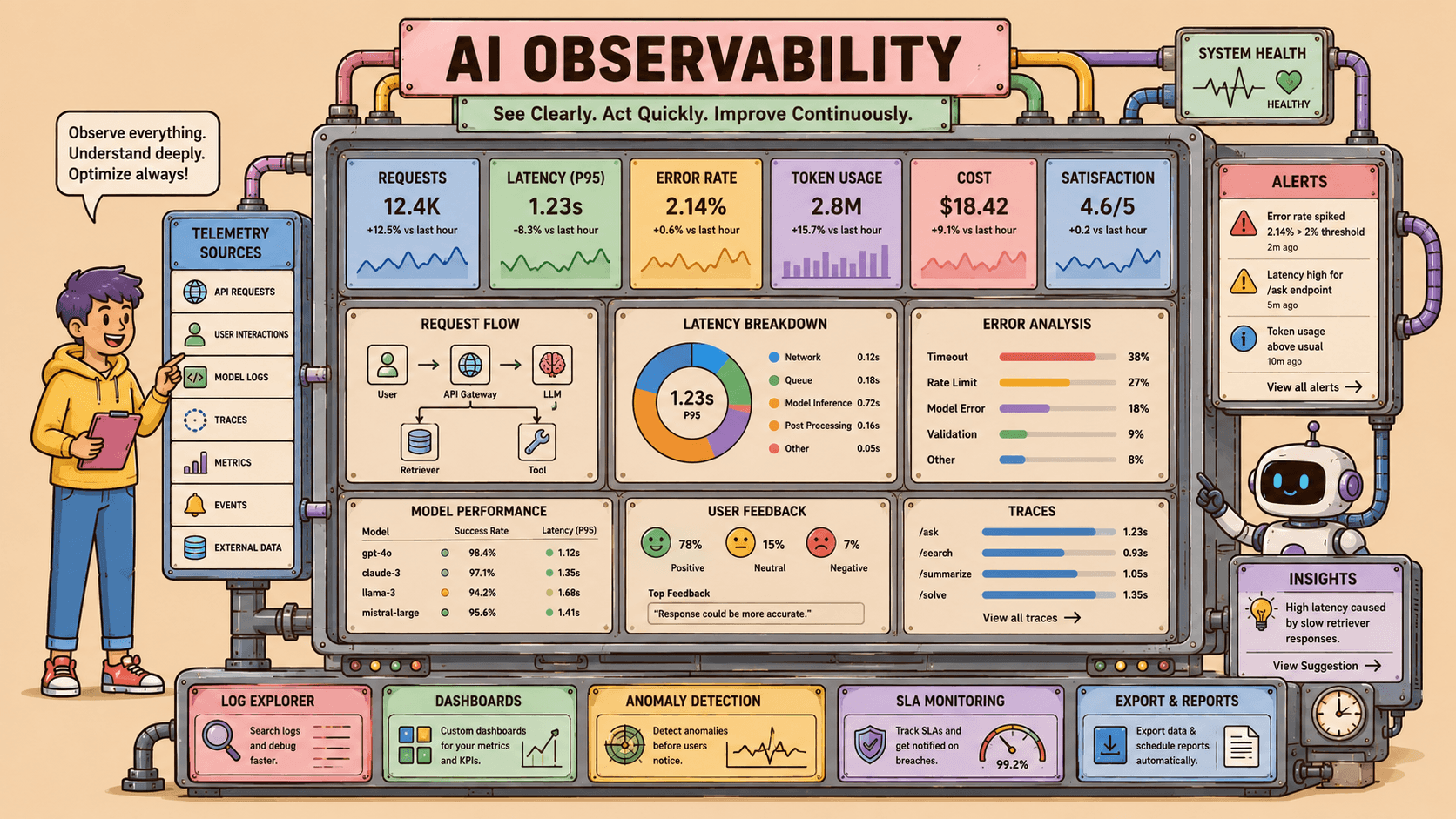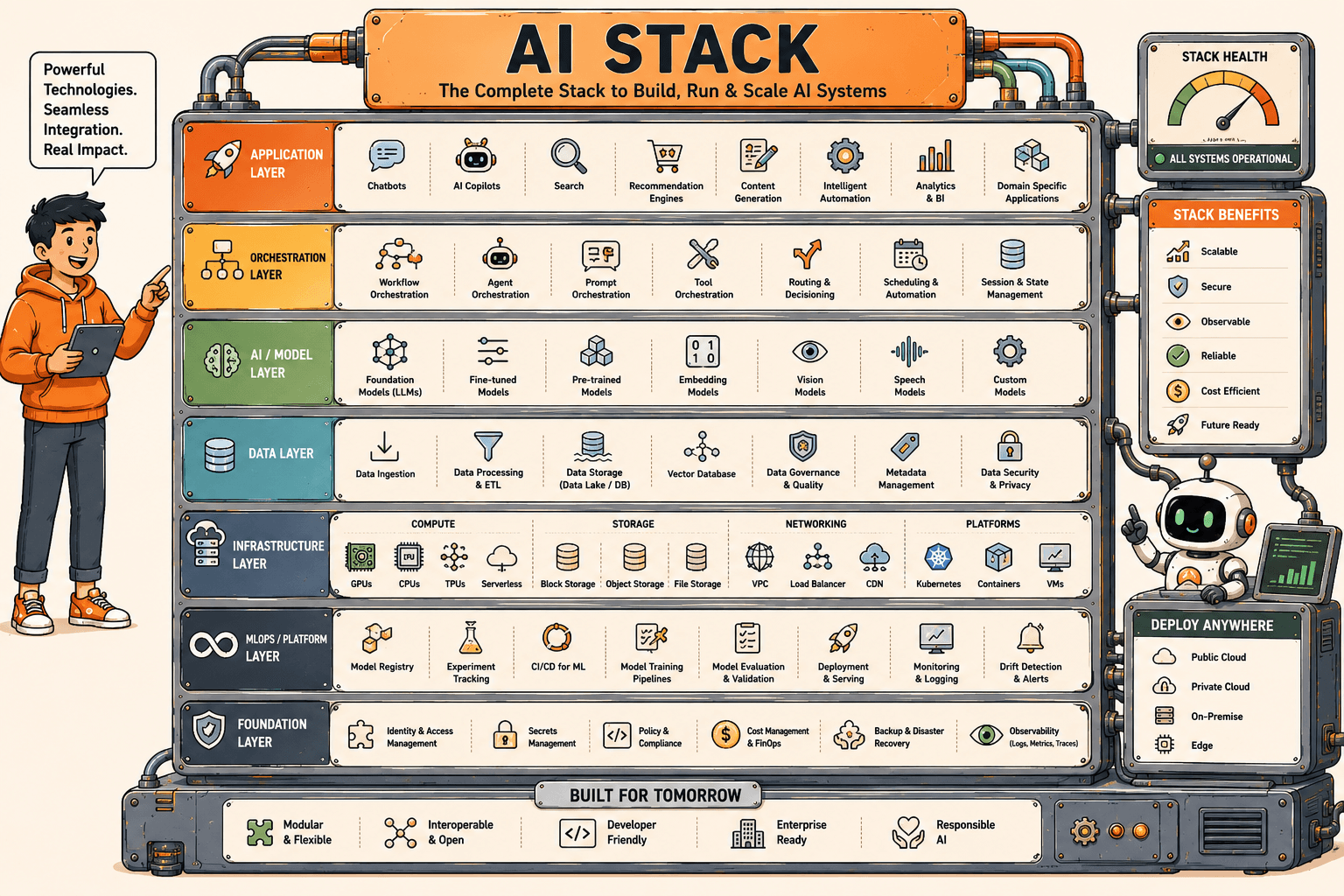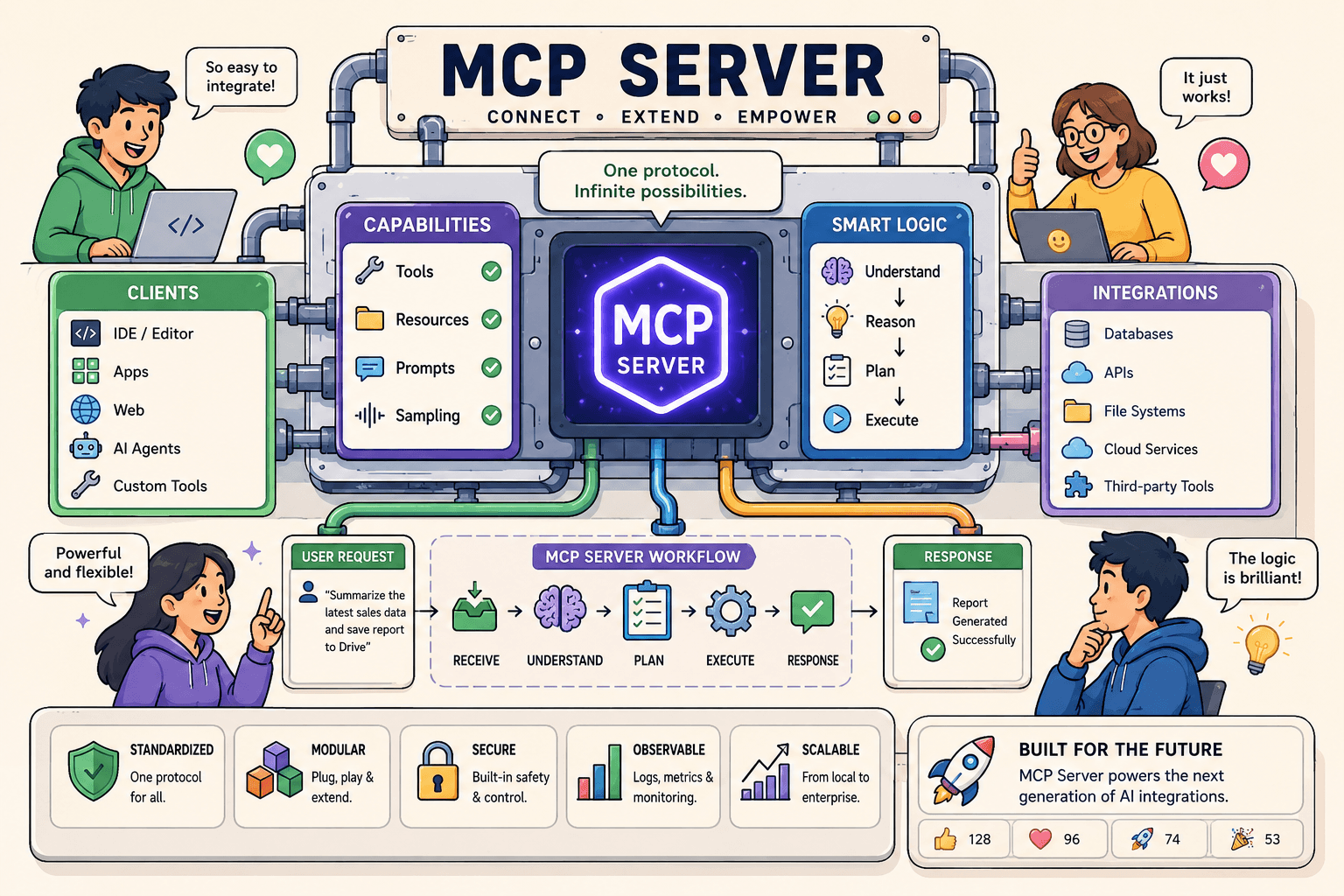
MCP connects my IDE agent to live systems — PostHog, Sentry, Notion — so answers come from real data, not guesses.
Explore MCP servers I useCustom MCP, Context7, PostHog, Sentry, and the full automation stack — with use cases and notes.In my daily workflow
- I enable only the MCP servers needed for the task to keep context lean.
- For analytics or errors, I query PostHog or Sentry through MCP instead of opening dashboards manually.
- When adding a integration, I define tool schemas narrowly so the model cannot over-call or leak secrets.
- I verify MCP tool descriptors in the repo before relying on them in production debugging.
How it makes me work smarter
MCP turns the agent from a code generator into an operator. I can ask 'what broke after the last deploy?' and get issue counts, not hallucinated stack traces. The friction of context-switching between browser tabs drops sharply when tools return structured JSON the agent can reason over.
My setup
- PostHog MCP for trends, funnels, and event schema
- Sentry MCP for error issues and release correlation
- Notion MCP for docs and task context when planning
- Tool descriptors checked into `.cursor/mcp.json` per project
On this portfolio
This portfolio's Cursor config wires PostHog and Sentry MCP servers. When I debug the public assistant or admin flows, the agent can pull real session and error data while editing the Next.js routes that produced them. See the Tools page for every MCP server and integration in my stack.